
In this article
The System Tray supports the ability to show/hide the Zorus Agent icon through a Zorus Portal setting.
To enable/disable the System Tray icon, navigate to Customers: Endpoints
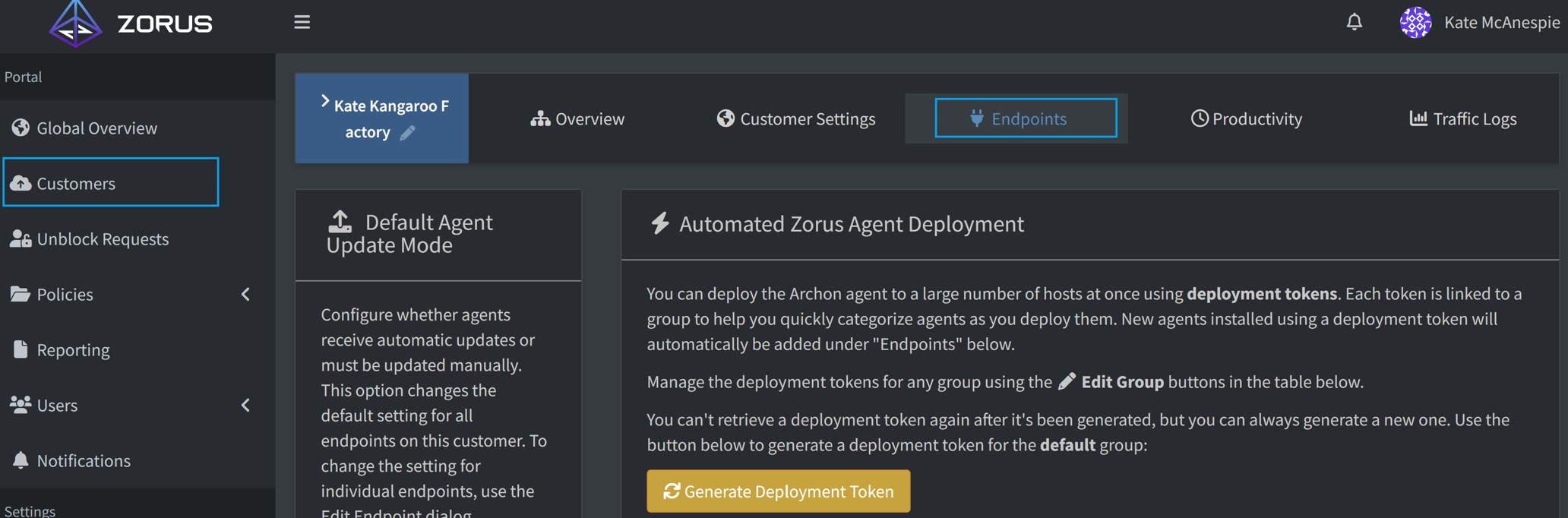
In the Groups and/or individual Endpoints, find the Edit Options orange pencil icon.
In the dialog pop-up under Agent Permissions, you will see "Hide tray icon".

- Hide tray icon (Unchecked) - The Zorus Agent icons appears in the System Tray
- Hide tray icon (Checked) - The Zorus Agent icons do not appear in the System Tray
- Note: Notifications that operate through the System Tray will still send when appropriate
Comments
0 comments
Please sign in to leave a comment.